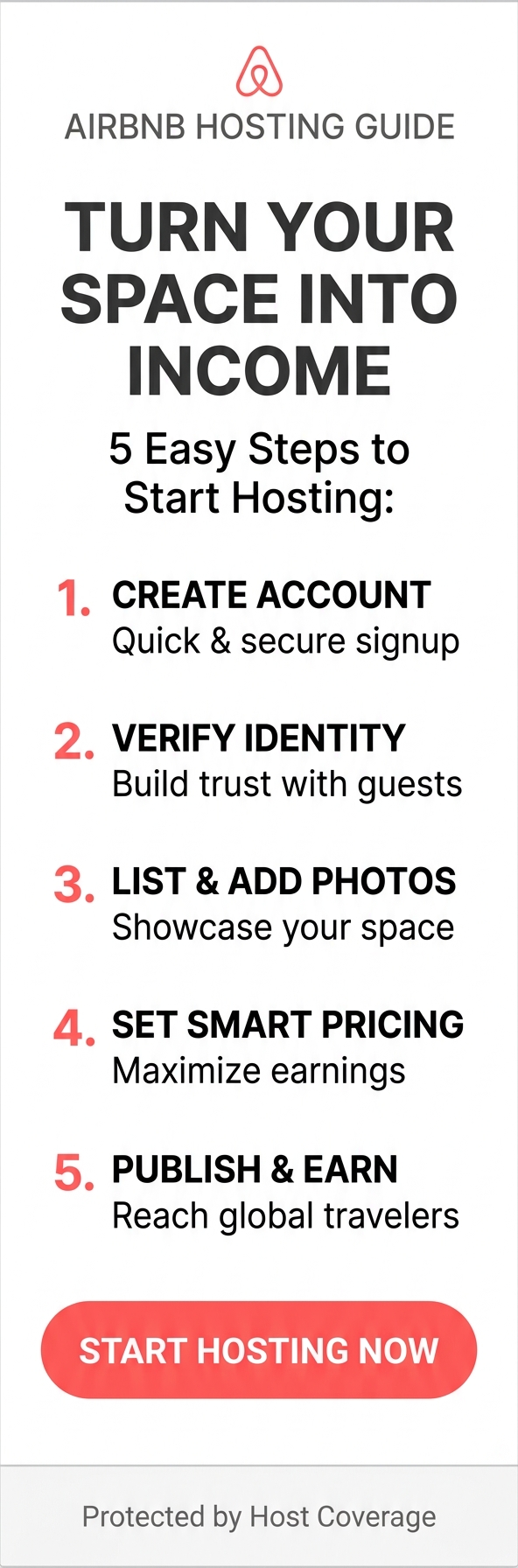
We have created a small beginners guide for new hosts who want to join Airbnb and start earning income by renting out their home. This page covers account creation, verification, listing setup, pricing, and publishing your property.
Why Host on Airbnb?
Airbnb allows homeowners, renters, and property managers to earn money by offering short‑term stays. With millions of travelers searching daily, listing your home on Airbnb can significantly increase visibility and bookings.
Key benefits:
- Global exposure to millions of guests
- Secure payment system
- Host protection insurance
- Flexible hosting schedule
- Easy-to-use tools for pricing and communication
Step 1: Create Your Airbnb Account
To start hosting, you need an Airbnb account.
How to Sign Up
- Visit Airbnb.com and click Sign Up.
- Choose to register with your email, phone number, Google, Apple, or Facebook.
- Enter your personal details: full name, birthday, and contact information.
- Agree to Airbnb’s terms and conditions.
Tips for a Strong Profile
- Use your real name for trust.
- Add a clear profile photo.
- Verify your email and phone number.
Step 2: Complete Identity Verification
Airbnb requires identity verification to protect hosts and guests.
You may need to:
- Upload a photo of your ID (passport, driver’s license, or national ID)
- Take a selfie for facial verification
- Confirm your phone number
Completing verification increases trust and improves booking chances.
Step 3: Start Creating Your Listing
Once your account is ready, you can create your first listing.
- Begin Your Listing
- Click Airbnb Setup or List Your Space.
- Choose your property type: entire home, private room, shared room.
- Select the number of guests, bedrooms, and beds.
- Add amenities such as Wi-Fi, kitchen, parking, or workspace.
Step 4: Add High-Quality Photos
Photos are one of the most important factors for attracting guests.
Photo Tips
- Use natural light.
- Show every room clearly.
- Highlight unique features.
- Upload at least 10–15 photos.
Step 5: Write an SEO‑Optimized Description
Your listing description helps guests understand your space and improves search visibility.
What to Include
- A compelling headline (e.g., "Cozy Seaside Apartment in Ericeira")
- A detailed description of rooms and amenities
- Nearby attractions and transportation
- House rules and check-in instructions
Tips for a great description
- Use keywords naturally (e.g., "family-friendly home", "beachfront apartment", "city center stay")
- Keep sentences clear and helpful
- Add unique selling points
Step 6: Set Pricing and Availability
Airbnb offers smart pricing tools to help you maximize earnings.
Pricing Options
- Fixed price per night
- Smart Pricing (automatically adjusts based on demand)
- Weekly or monthly discounts
Calendar Setup
- Block dates when your home is unavailable
- Set minimum and maximum stay lengths
Step 7: Publish Your Listing
After completing all sections, click Publish.
Your listing will go live and become visible to guests worldwide.
Step 8: Manage Bookings and Communicate with Guests
Respond quickly to inquiries to improve your response rate.
Best Practices
- Use the Airbnb app for instant notifications
- Send clear check-in instructions
- Keep communication friendly and professional
Step 9: Prepare Your Home for Guests
A clean and well-prepared home leads to better reviews.
Checklist
- Clean all rooms thoroughly
- Provide fresh linens and towels
- Stock essentials (soap, toilet paper, coffee)
- Ensure Wi-Fi and appliances work properly
Step 10: Optimize Your Listing Over Time
To stay competitive, update your listing regularly.
Optimization Tips
- Refresh photos seasonally
- Update pricing based on demand
- Add new amenities
- Encourage guests to leave reviews
Final Thoughts
Signing up on Airbnb and listing your home is straightforward, and with the right preparation, you can attract more guests and increase your earnings. Follow the steps above to create a professional, SEO‑optimized listing that stands out.